GIMBAL INTRO
The photographers no-fuss guide to using a gimbal.
£10 for 12 months access
There’s plenty of gimbal training out there, but very little that shows photographers how to use a gimbal as part of their actual workflow.
And yes, I’m charging a tiny bit. Because if I gave it away for free, there’s a good chance you wouldn’t watch it.
Fast track
IT’S NOT HARD
There were things I didn’t know to consider before buying a gimbal.
I left the gimbal in the box much longer than I wanted to.
It took me an embarasing amount of YouTube time before I worked out how to balance it quickly – I will of course show you exactly how to do it.
I spent months of trial and error working out what worked for me and my photography workflow in different situations. I use the gimbal in different way out on location compared to inside.
I’ve put this together so other photographers can fast track their way to using their gimbal as part of a photography workflow.
It’s different for a videographer
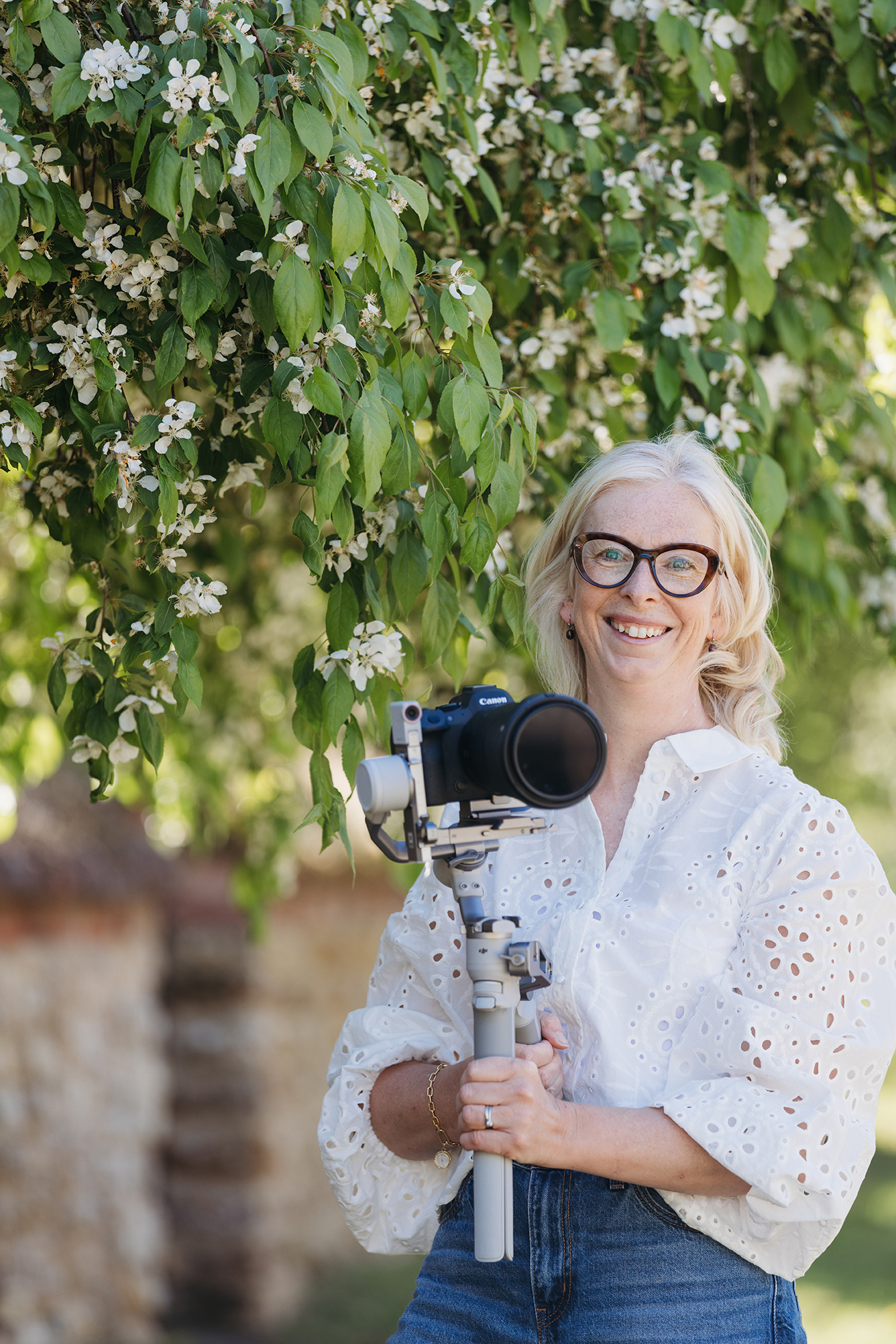
I can 100% see why a videographer would mount their camera on a gimbal and pretty much never take it off! However, that’s not how photographers work, we need the gimbal to slot into out still image workflow.
I didn’t even want a gimbal. I bought it somewhat hoping I could prove that we didn’t need it – unfortunately I do love it for some jobs. I love it so much that I accept the extra efforts required to make it work along side my photography, but I’m still looking for the most simple option where possible.
Make friends with your gimbal quicker
Get better footage quicker
The movements I come back to all the time
Make an informed choice before buying
Avoid the pitfalls
4 example films using the gimbal
GOT SOME
QUESTIONS?
Will a gimbal make video easier?
No! If you are not already recoding video somewhat confidently on your camera, switching between stills and video adding a gimbal to your workflow will NOT help one little bit. It will feel like adding a layer of gear/work to your workflow.
Can I download the training.
No, this is hosted with my other course on my normal training platform for online viewing.
Can't you find this for free on YouTube?
Hmmm, yes most of it you can probably find on YouTube. So if you have a ton of time, love watcing YouTube adds and travling through lots of videos until you find what you need, then yes, some of this you can find on YouTube.
What you won’t find is the workflow stuff, how it fits in with photography, all my trial and errors.
You wont know to ask the right questions on YouTube and Chat GPT has zero expreince of using a gimbal in the real world…
What type of sessions does this cover?
I never use the gimbal for newborn and babies. I predominently use it for brand and commercial work. The gimbal is great for making promotional content so in here I do have example films from 2 family sessions too. You will find thesse example films:
2 x family sessions
1 x BTS for a photographer
1 x short personal brand film for a pilates teacher
Would it be better to do the big course?
This is not a big risky investment! But I’d be more than ahppy to give you the price of this course of the big course if you find you would like to upgrade 😉